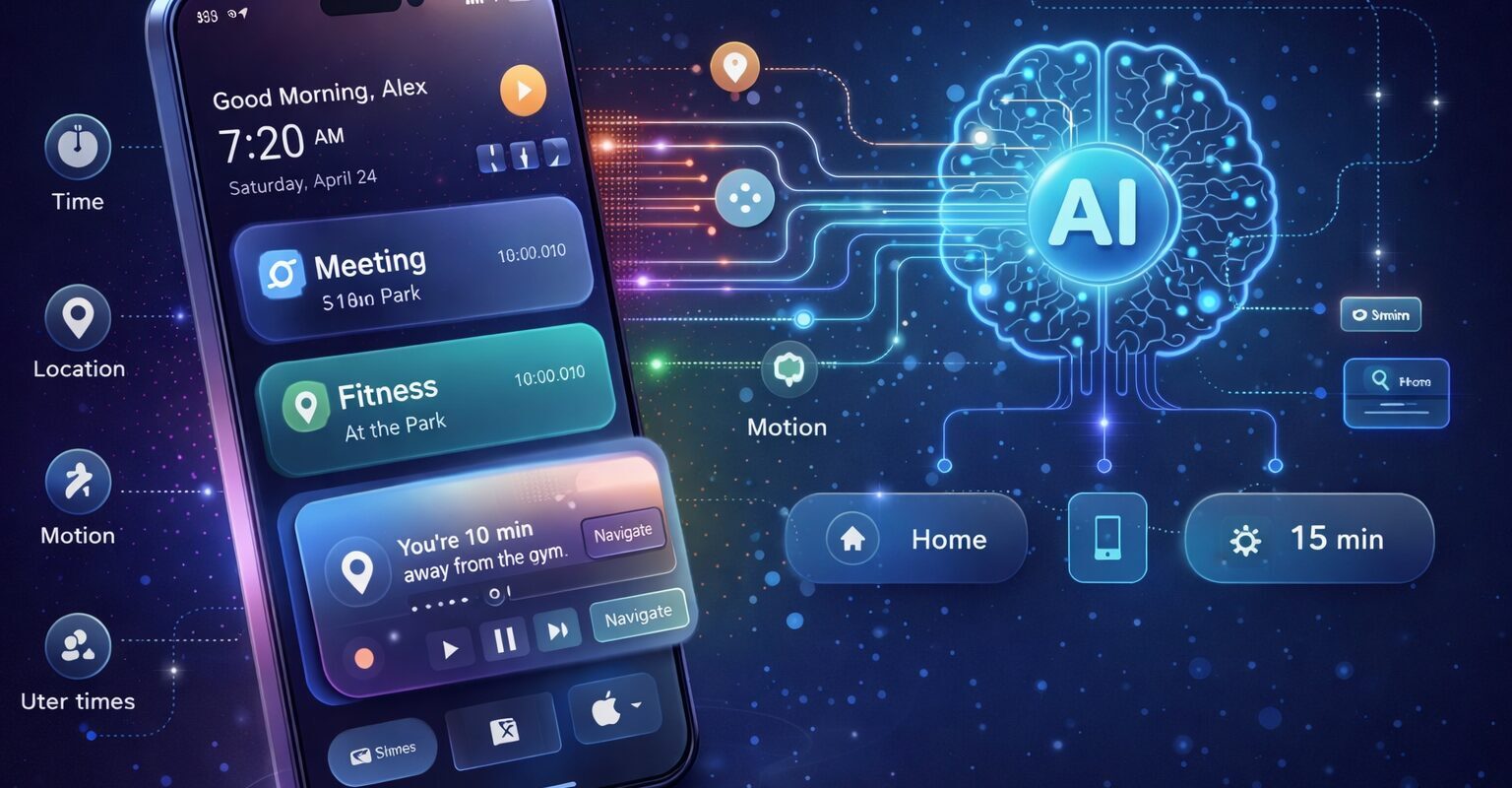
Predictive UI – Using AI to personalize user experience in real-time
Von Melanie Maier am 21.01.2026
Hello dear blog readers! This blog post is about predictive UI, the use of AI to personalize user experience and therefor user interfaces in real-time, depending on user behavior.
With AI gaining more and more interest common users and the digital-first era we are living in right now, user expectations are evolving rapidly. Today, it’s no longer enough for user interfaces to respond to user interaction, but they need to be able to anticipate, personalize and even predict user needs. This transformative shift in UI/UX design is driven by AI-powered personalization and predictive interface.
Predictive user interfaces do not only respond faster to user input, but actively anticipate it. By analyzing past interactions and behavioral patterns, AI-powered systems can pre-render interface elements before users explicitly request them. This proactive approach significantly reduces perceived latency and creates smoother, more seamless interactions, especially in complex or content-heavy applications.
What Is AI-Powered Personalization?
AI-driven personalization uses machine learning to tailor every aspect of a user interface to the individual user. This includes everything from content to layout. Based on behavior patterns, every element of the UI adapts in real time to preferences and context.
This kind of personalization is called hyper-personalization. Interfaces are now designed to operate at the level of the “user of one”. This means that the content, tone, layout and even imagery are uniquely for each individual. An example for such a hyper-personalized interface would be Netflix. Netflix tailors their streaming suggestions and even their thumbnails to each user, providing a unique user interface that fits perfectly to the users personal preferences.

This level of personalization goes far beyond visual customization. Streaming platforms like Netflix also use predictive models to preload and buffer content they expect a user to watch next. By anticipating user behavior at the system level, these interfaces feel instant and highly responsive, reinforcing the impression of an experience that is tailored not only to preferences, but also to performance expectations.
Predictive Interfaces: Designing What Comes Next
While UI designer always aim to create (static) interfaces that make interaction as easy as possible, predictive interfaces go a step further. With using AI, they aim to forecast user intent and proactive adapt to it.
Traditional user interfaces are usually event-driven: the system waits for an explicit action before reacting. Predictive interfaces, in contrast, rely on AI models to infer probable next steps and adapt proactively. Layouts, navigation structures, and interface elements can dynamically recalibrate based on predicted user intent, rather than remaining fixed until a user interaction occurs.
One example of forecasting user intent are smart suggestions and pre-filling input. Pre-filling includes predictive search bars and auto-filled forms. Most users are also already familiar with smart suggestions, such as context-aware menus that surface for example the most relevant options based on time of day, recent interactions or location.
These predictions are often based on sequential interaction patterns, such as frequently used navigation paths or repeated task flows. By learning from session-based behavior, predictive interfaces can surface the most relevant options at the right moment, reducing cognitive load and helping users reach their goals faster and with fewer interactions.
One real-world case of such an interface behavior involved an e-commerce platform, that dynamically re-arranged its navigation menu during high-traffic periods to yield significantly higher click-through rates.
Another concept of predictive interfaces is Zero-Click Predictive UI. It’s changing the rules of interaction. Instead of guiding users through multiple clicks or menus, modern AI-powered websites can anticipate user needs and deliver content, recommendations, or actions instantly—often before the user even asks. In practice, this means the site predicts what a visitor is looking for using data like browsing behavior, location, or even voice and gesture input, and presents the right information immediately. This approach reduces friction, shortens user journeys, increases engagement, and marks a new era in human-centered digital experiences.
Technology & Research
Modern adaptive and predictive user interfaces are being shaped by rapid advances in AI research and technology. Instead of static layouts, today’s interfaces can adjust themselves in real time based on who the user is, what they are trying to do, and how experienced they are. Adaptive User Interfaces, for example, can simplify the experience for newcomers by hiding advanced features, while power users might see shortcuts or navigation structures tailored to their workflows.
Many of these adaptive behaviors are powered by machine learning models that analyze user interactions over time. Techniques such as behavioral pattern recognition, session-based learning, and feedback-driven optimization allow interfaces to continuously improve. Reinforcement learning, in particular, enables systems to experiment with small UI changes and learn which design decisions lead to higher engagement or better usability outcomes.
Personalization plays a key role in this evolution. Recommender systems—powered by techniques such as collaborative filtering, embeddings, and hybrid AI models—analyze user behavior to surface content that feels relevant and timely. These systems are already familiar from streaming and e-commerce platforms, but similar ideas are now influencing how entire interfaces are structured and presented.
On the research side, reinforcement learning opens up new possibilities for interfaces that improve themselves over time. By continuously experimenting with small UI changes and measuring user engagement, these systems can learn which design decisions work best in different situations. This process is guided by predictive human–computer interaction models, allowing interfaces to adapt in a more informed and data-driven way.
Another important aspect of predictive interfaces is their ability to optimize performance in the background. By intelligently preloading and pre-rendering interface components that are likely to be needed next, AI-driven systems can minimize unnecessary computations and avoid redundant rendering cycles. This not only improves responsiveness, but also makes more efficient use of system resources.
Generative AI adds another powerful layer. Diffusion-based models can create personalized interface designs from simple inputs like text descriptions or rough sketches, then refine those designs through automated feedback loops. Finally, human–AI collaborative design agents, such as tools like “PrototypeAgent,” are beginning to support designers directly by translating intent into UI components through iterative, multi-agent workflows. Together, these technologies point toward a future where interfaces are not just designed once, but continuously learned, generated, and optimized.
Design Principles and Ethical Considerations
As AI becomes more deeply embedded in user experiences, strong design principles and ethical considerations are essential to ensure these systems remain helpful, trustworthy, and inclusive. One key element is the use of feedback loops that actively involve users in the evolution of AI-driven interfaces. By allowing people to rate, adjust, or refine AI suggestions, systems can better align their behavior with real user needs instead of making opaque decisions in the background.
Transparency is equally important. Users should be able to clearly recognize when and how AI is influencing the interface, whether through labeled suggestions, adaptive layouts, or automated recommendations. Making AI-driven actions visible—similar to how tools like Grammarly label AI-generated suggestions—helps build trust and sets appropriate expectations. Alongside transparency, user control must remain a central design goal. Rather than enforcing AI-generated decisions, interfaces should allow users to customize, override, or completely reject predictive suggestions and layout changes.
In addition to transparency and control, predictive interfaces must be resilient to incorrect assumptions. AI models can misinterpret user intent, which makes robust fallback mechanisms essential. When predictions fail, interfaces should gracefully revert to standard interaction patterns instead of forcing users into confusing or irreversible UI states.
Finally, ethical AI design requires a strong focus on bias mitigation and inclusivity. AI systems learn from data, and if that data is limited or unbalanced, personalization can quickly become skewed or unfair. Ensuring diverse training data and regularly evaluating outcomes across different user groups helps create experiences that are not only intelligent, but also equitable and accessible for everyone.
Final Thoughts
AI-powered personalization and predictive interfaces aren’t futuristic anymore. They are already widely used and even somehow expected by the user. As AI-powered personalization and predictive interfaces continue to evolve, user interfaces will no longer be static artifacts designed once and shipped. Instead, they will become adaptive systems that continuously learn, generate, and optimize themselves over time. This shift will not only redefine user expectations, but also fundamentally change how designers and developers think about creating truly human-centric digital experiences.
Sources
- https://medium.com/@harsh.mudgal_27075/ai-powered-personalization-predictive-interfaces-in-ui-ux-design-a16259916663
- https://dev.to/raajaryan/advanced-ai-strategies-for-predictive-ui-component-rendering-in-react-3a01
- https://www.fullstack.com/labs/resources/blog/ai-powered-user-interfaces-how-machine-learning-and-react-shape-web-apps

The comments are closed.