OnTime – Semester Project 1
Von Sander Hahn am 22.02.2026
What is OnTime and why do we (me) need it
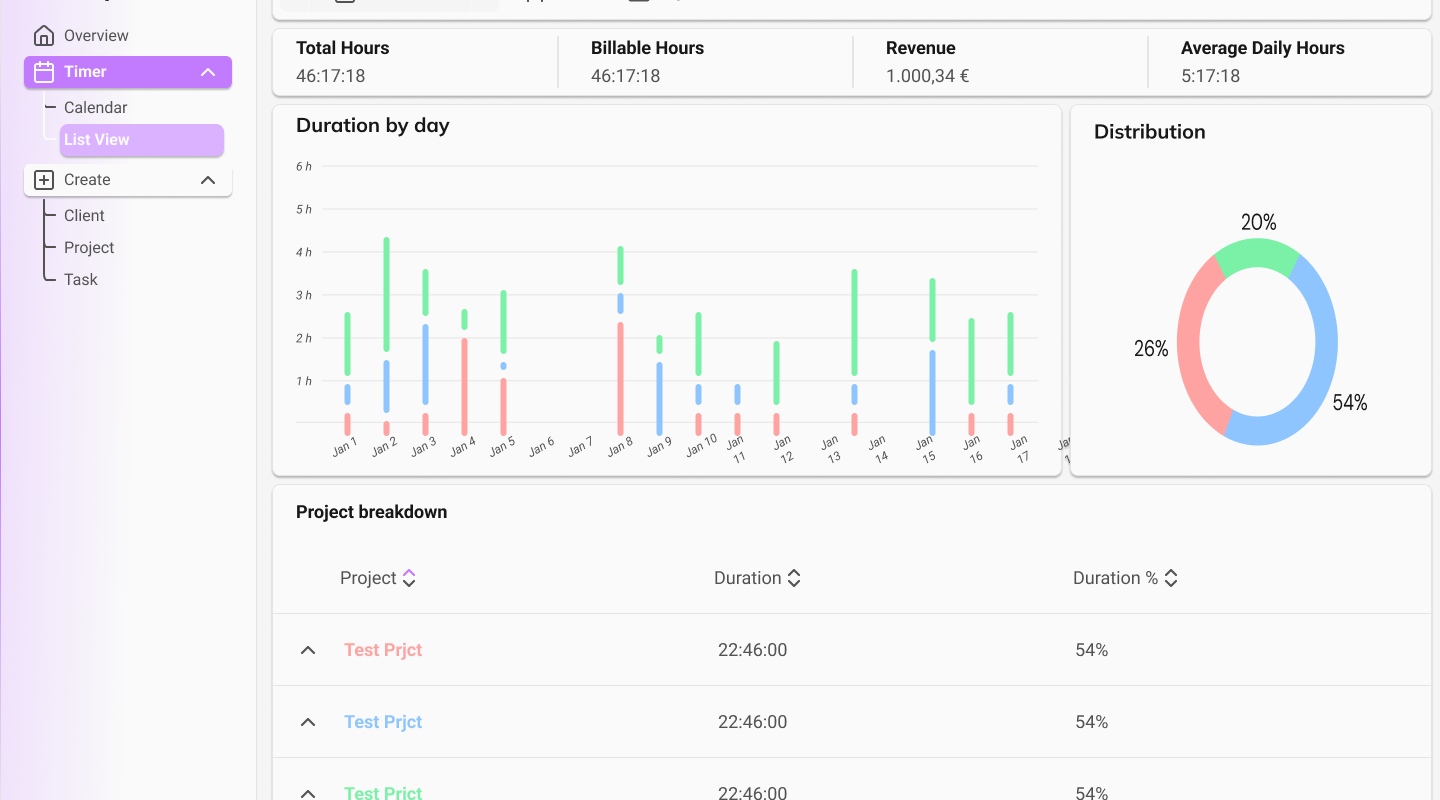
OnTime is a cross-platform time tracking app in which the user can create clients that the user works for with projects and tasks. The application consists of a calendar, overview pages for clients, project and tasks to view, create, edit, and delete. Additionally, it also combines all the data on a dashboard page, where the user can see their working hours, how much money they have made, and how the worked hours are distributed.
So why do I need it? It’s simple: I’m greedy, and I don’t want to pay for a SaaS that needs to be subscribed to to get all the features. Websites like Toggl or ClickUp already offer a great service with their freemium versions, but the features that would make my life simpler are blocked behind a paywall.
So the goal is simple: create a time tracking app with clients, projects and tasks that can track your time with a calendar and a real-time recorder.
Techstack
React
React is a JavaScript library designed for building user interfaces, particularly for modern web applications that require fast, interactive experiences, and is used for this project. There are a lot of web development frameworks, and I picked React for one reason: its popularity. A lot of companies use React for their websites, and since I do not have the most experience with React, I wanted to learn it with this project.
MUI
For a clean and consistent design throughout the project, I decided to use MUI. MUI is a React UI component library that helps to build modern interfaces quickly. It’s based on Material Design, a design system created by Google that defines how elements like buttons, cards, colors, spacing, and animations should look and behave. Since I was using it in another project in university, it seemed like a good idea to use it in this project as well.
Tauri
Tauri is a toolkit that can be used with various programming languages to develop cross-platform applications. It is used for building applications using a combination of Rust tools and HTML rendered in a WebView and can be extended with additional functionalities. You can easily compare Tauri to Electron, but instead of bundling a full browser like Electron does, Tauri uses the system’s native webview (for example, WebView2 on Windows or WebKit on macOS). This makes Tauri applications much smaller and more memory-efficient.
A Tauri app typically consists of:
- A frontend built with a web framework (Vue, Svelte, Angular or in this case React).
- A backend written in Rust, which handles system-level tasks like file access, networking, or OS integration.
Tauri’s cross-platform development supports Windows, macOS, Linux, Android and iOS, which makes it a perfect fit for time tracking anywhere you are.
Supabase
Supabase is an open-source, serverless backend platform and a popular alternative to Firebase. It enables developers to build optimized and high-performance applications using a PostgreSQL database with an easy and minimal configuration. Supabase operates as a serverless backend. This allows applications to be set up and scaled without the need to create or manage a custom server. Additionally, Supabase is built on SQL (Structured Query Language), offering the full range of features and advantages associated with relational databases, different from Firebase’s NoSQL-based approach.
Supabase Features
Supabase comes with a prebuilt authentication/user management system handled by the package with no need for third-party tools.
Supabase projects come with a preconfigured PostgreSQL database, giving developers access to the full set of features that Postgres offers. This functionality can be extended by enabling additional database extensions, which can be added easily with a few clicks in the settings.
Design
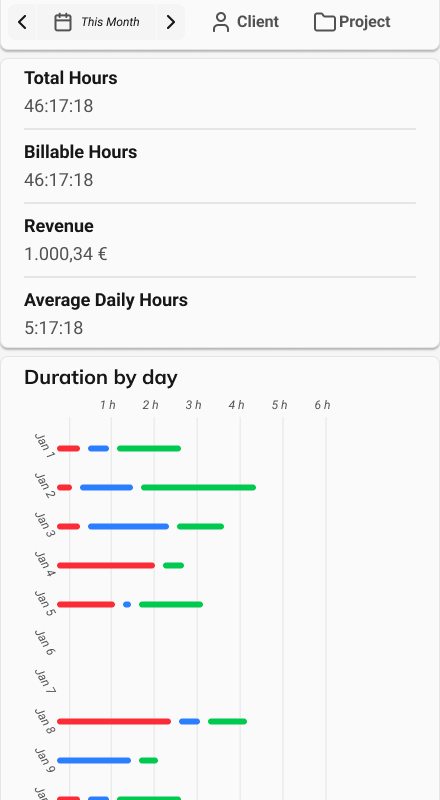
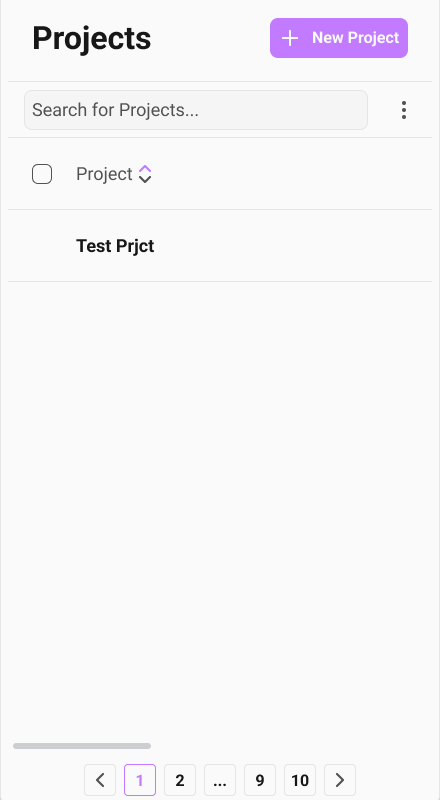
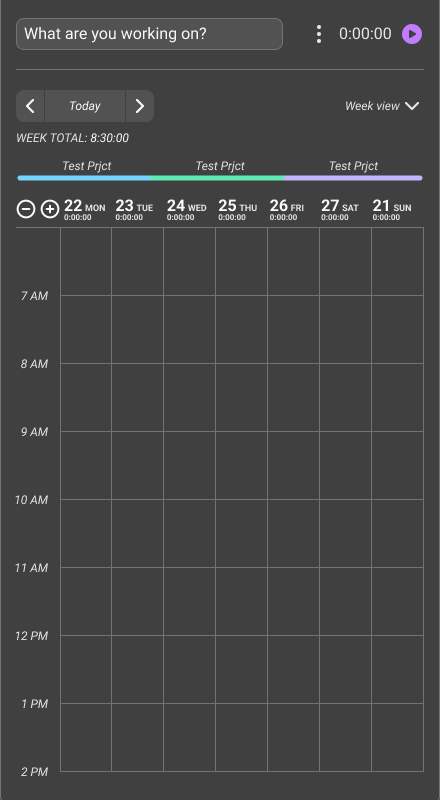
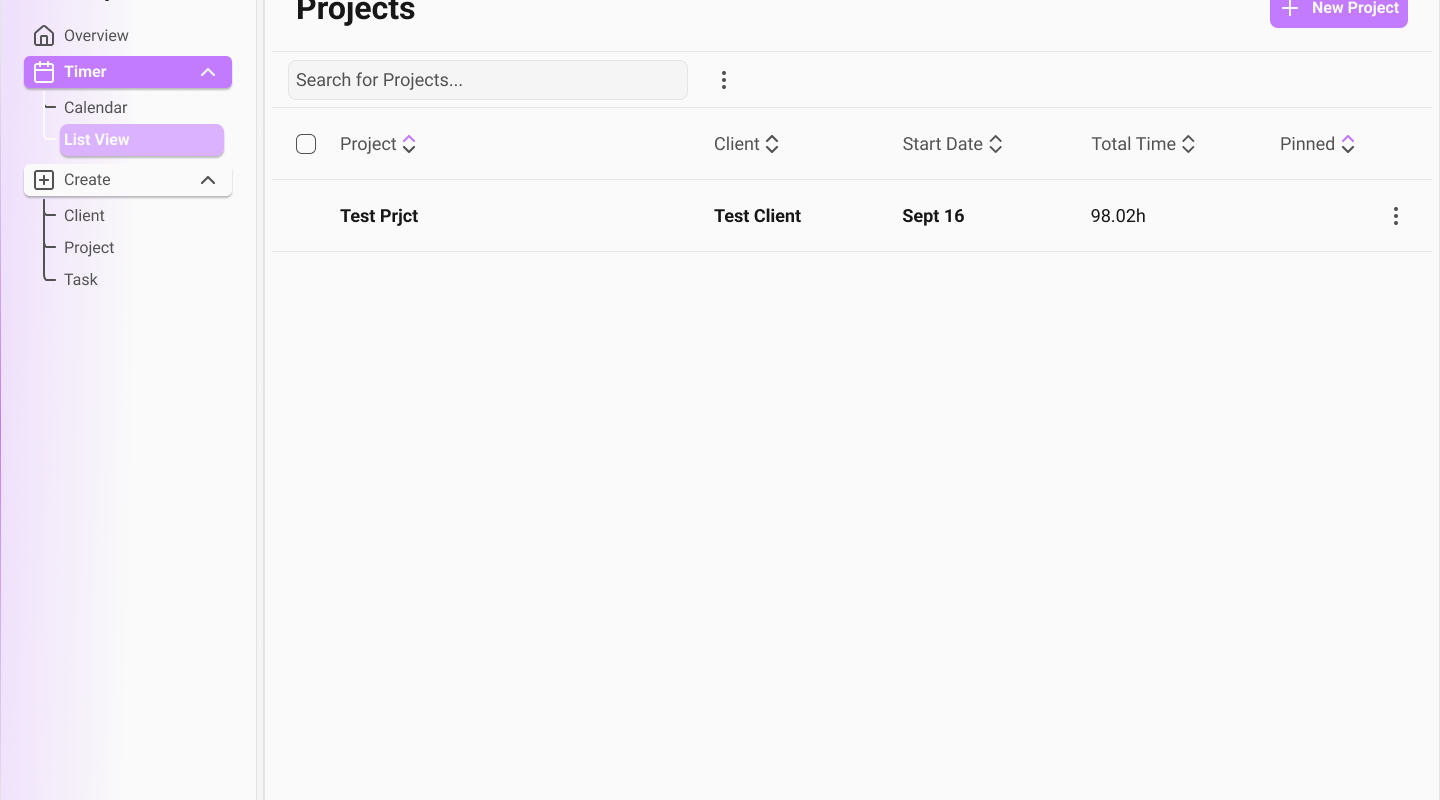
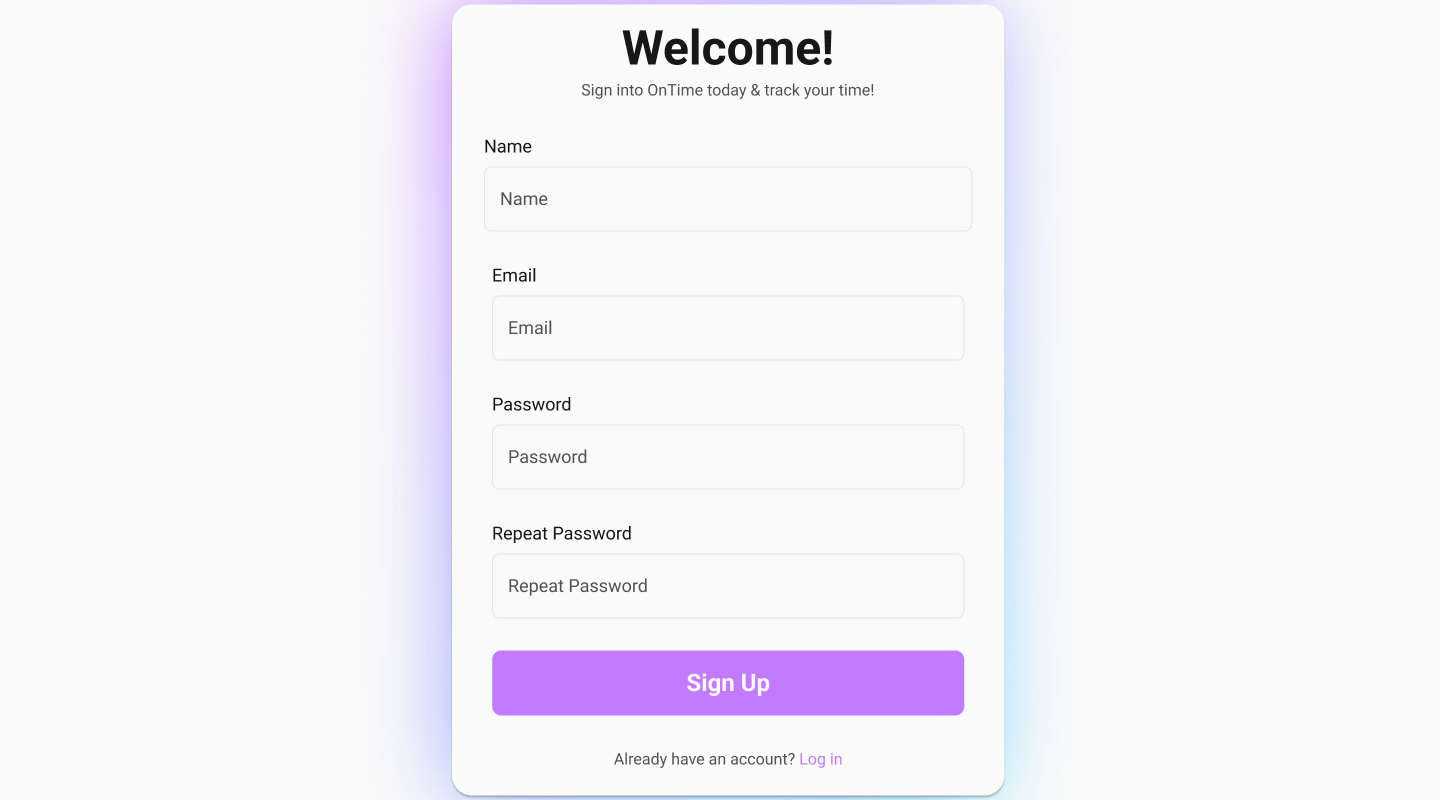
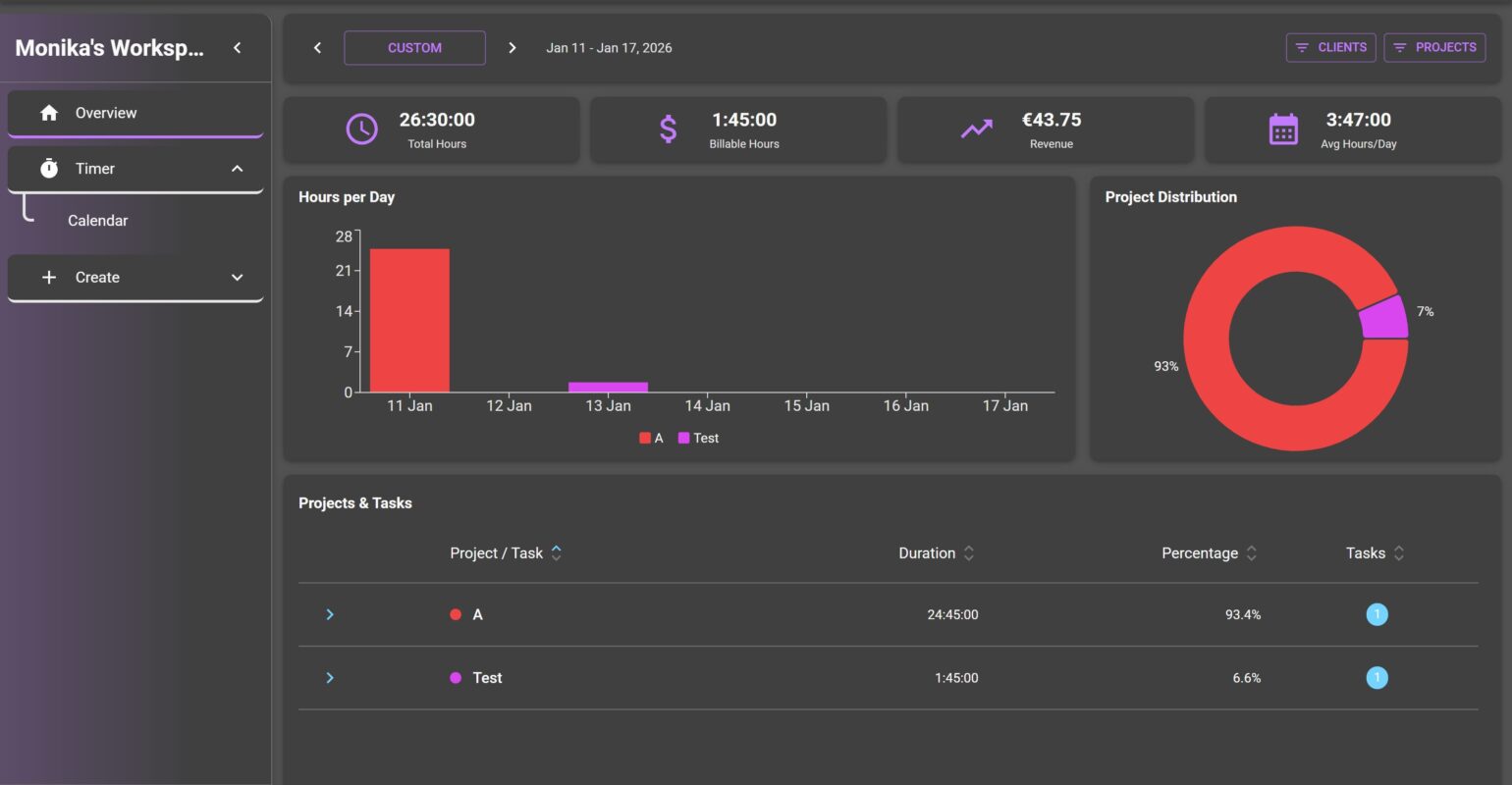
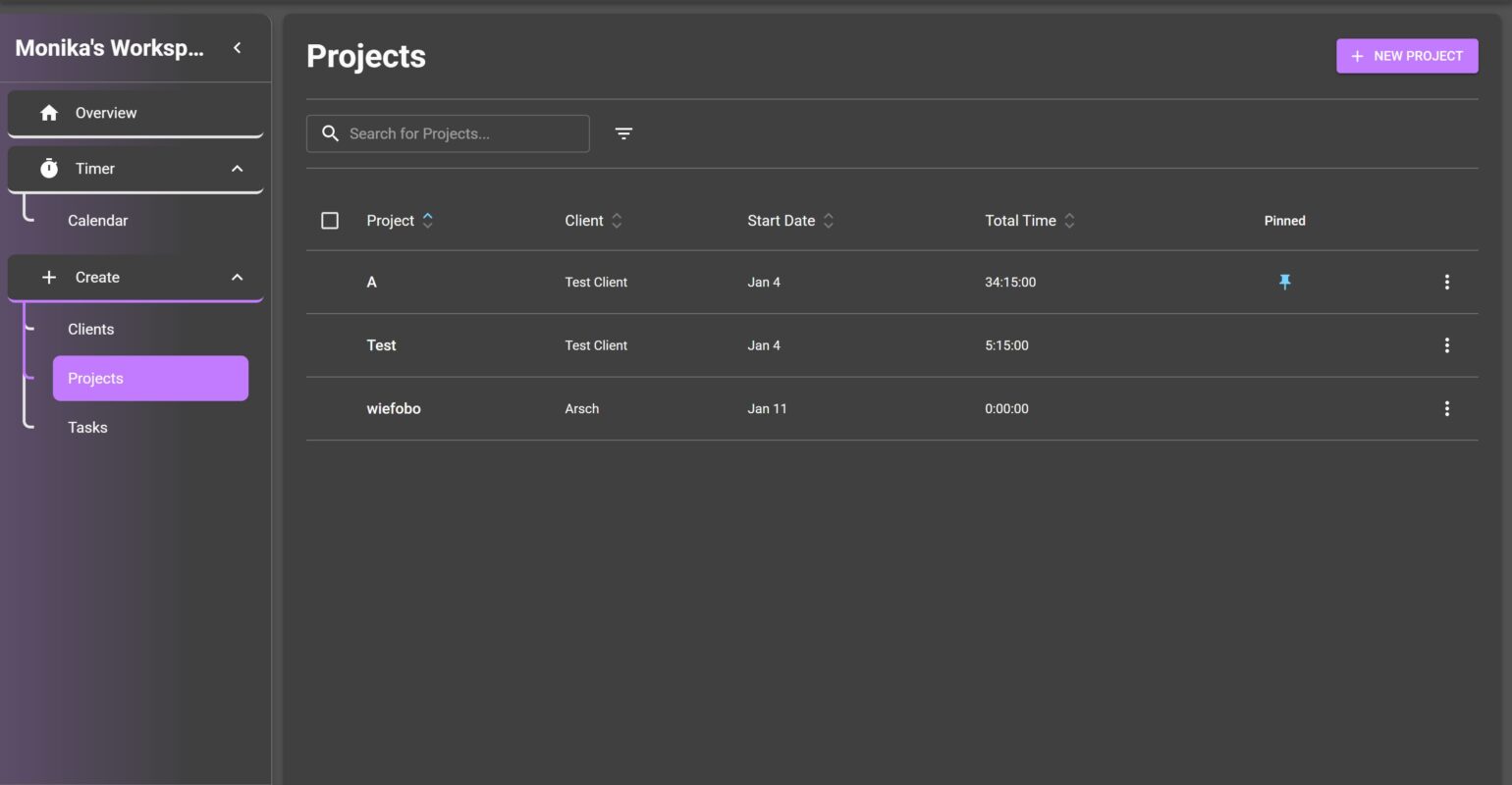
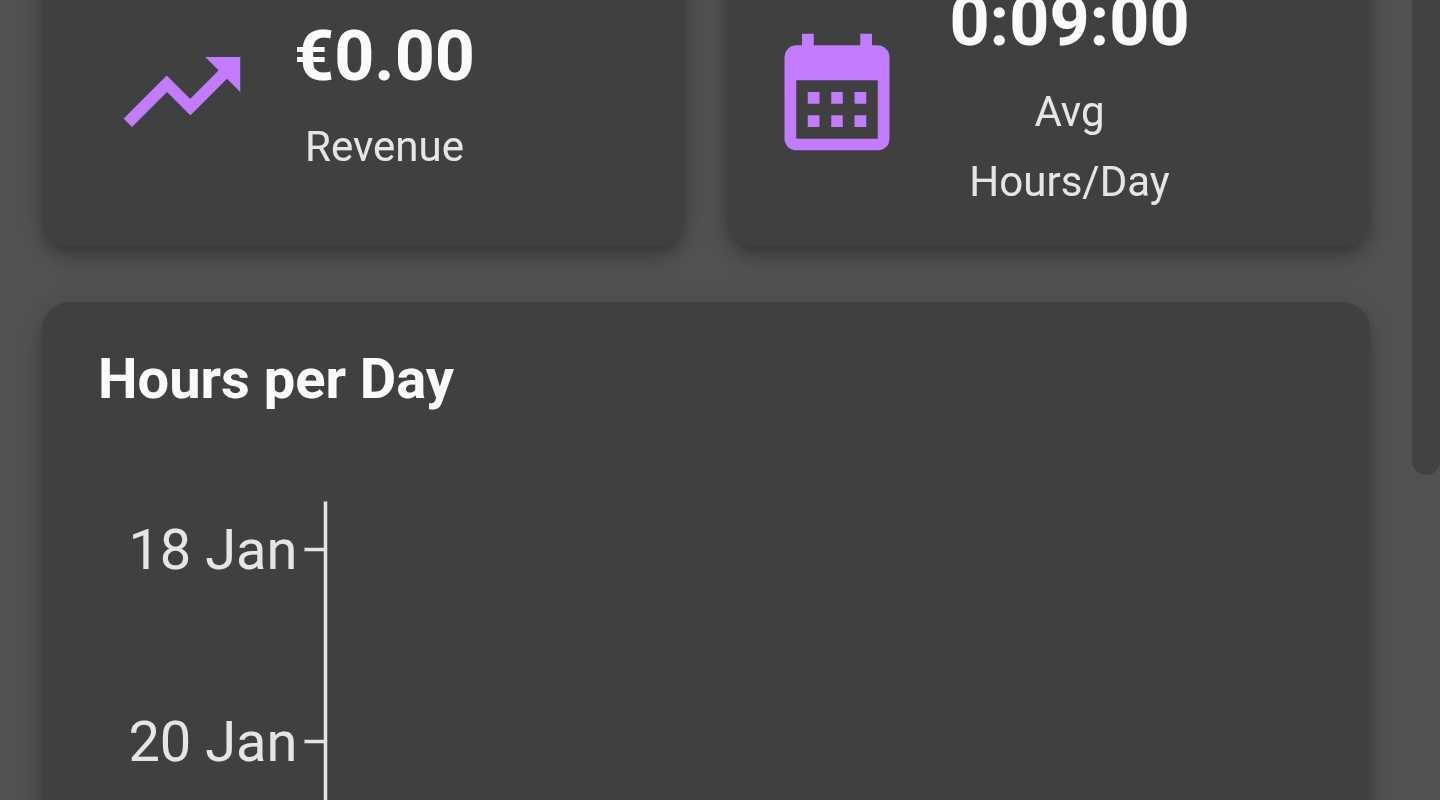
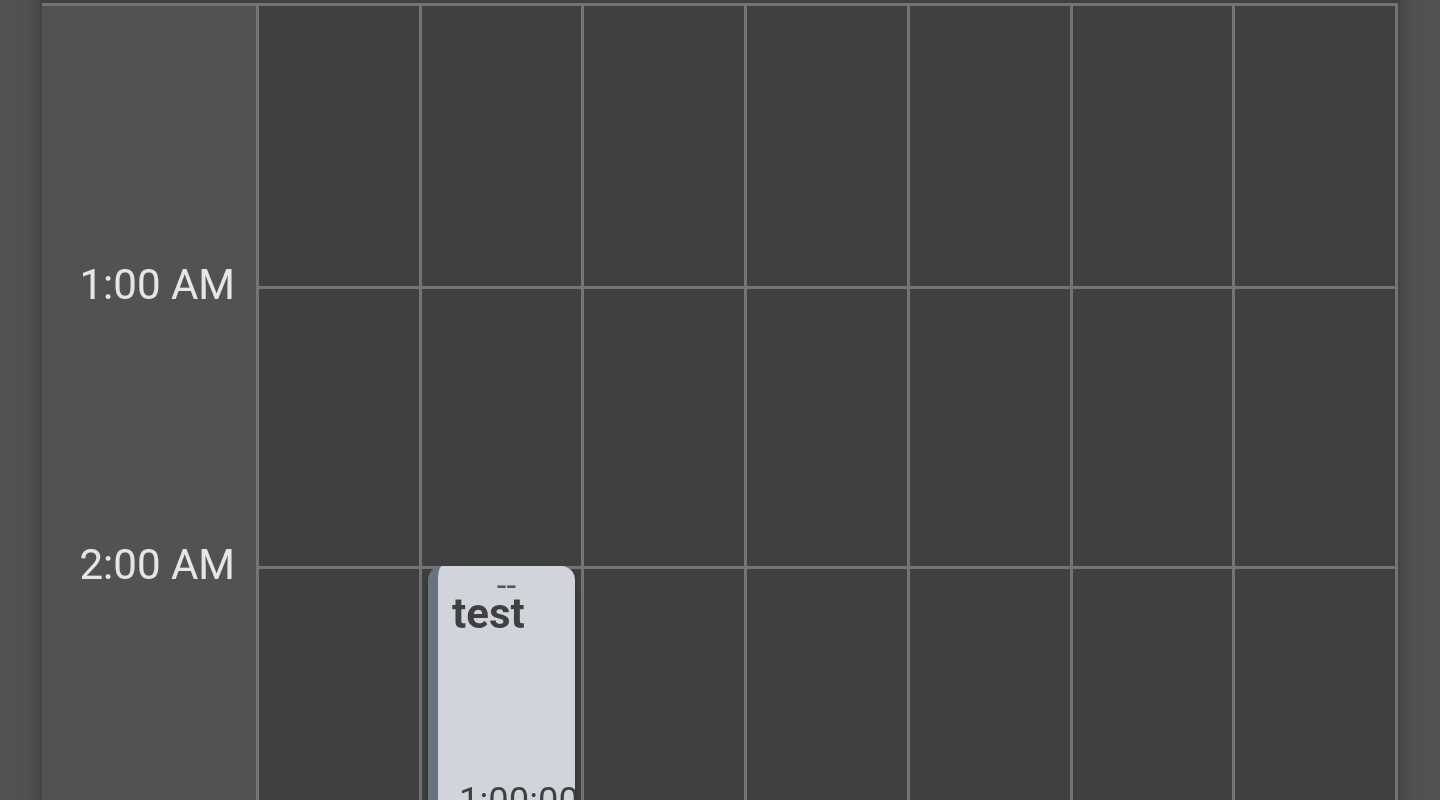
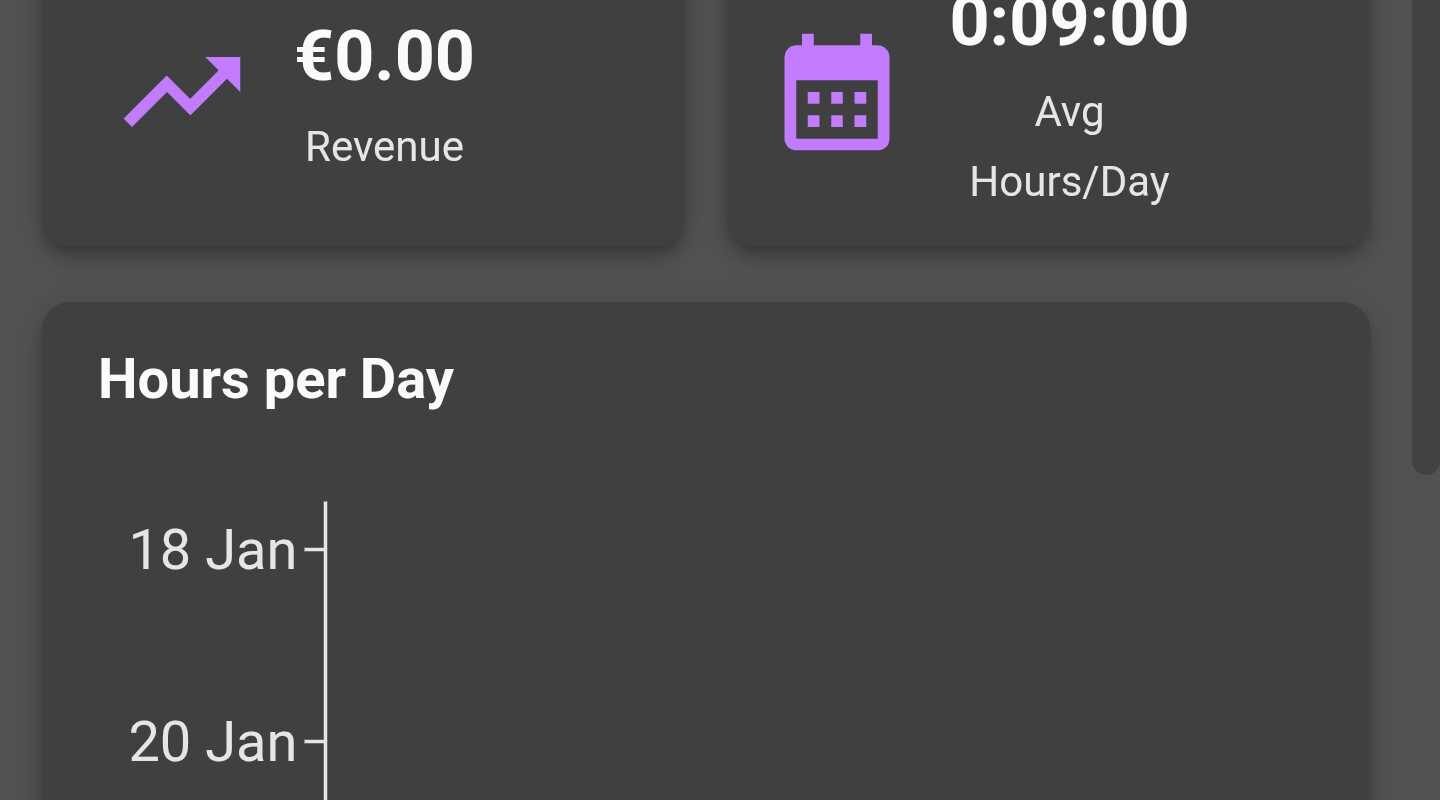
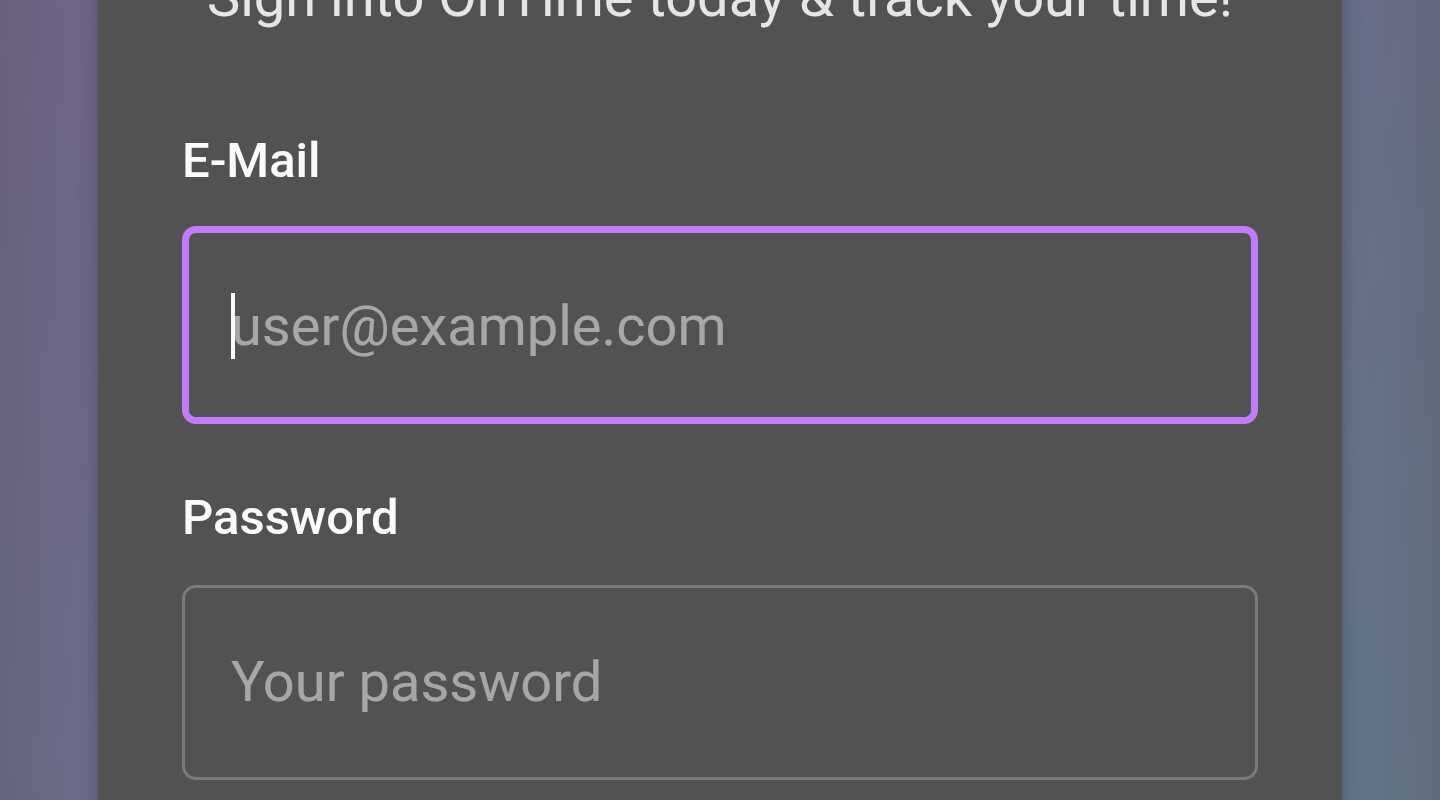
The design was made in Figma using variables and styles for a consistent experience. Even though a solid visual experience was not a requirement for the project, I wanted to fulfill my own requirements since I want to use this application once it’s fully finished. Here are some design examples:
Learnings
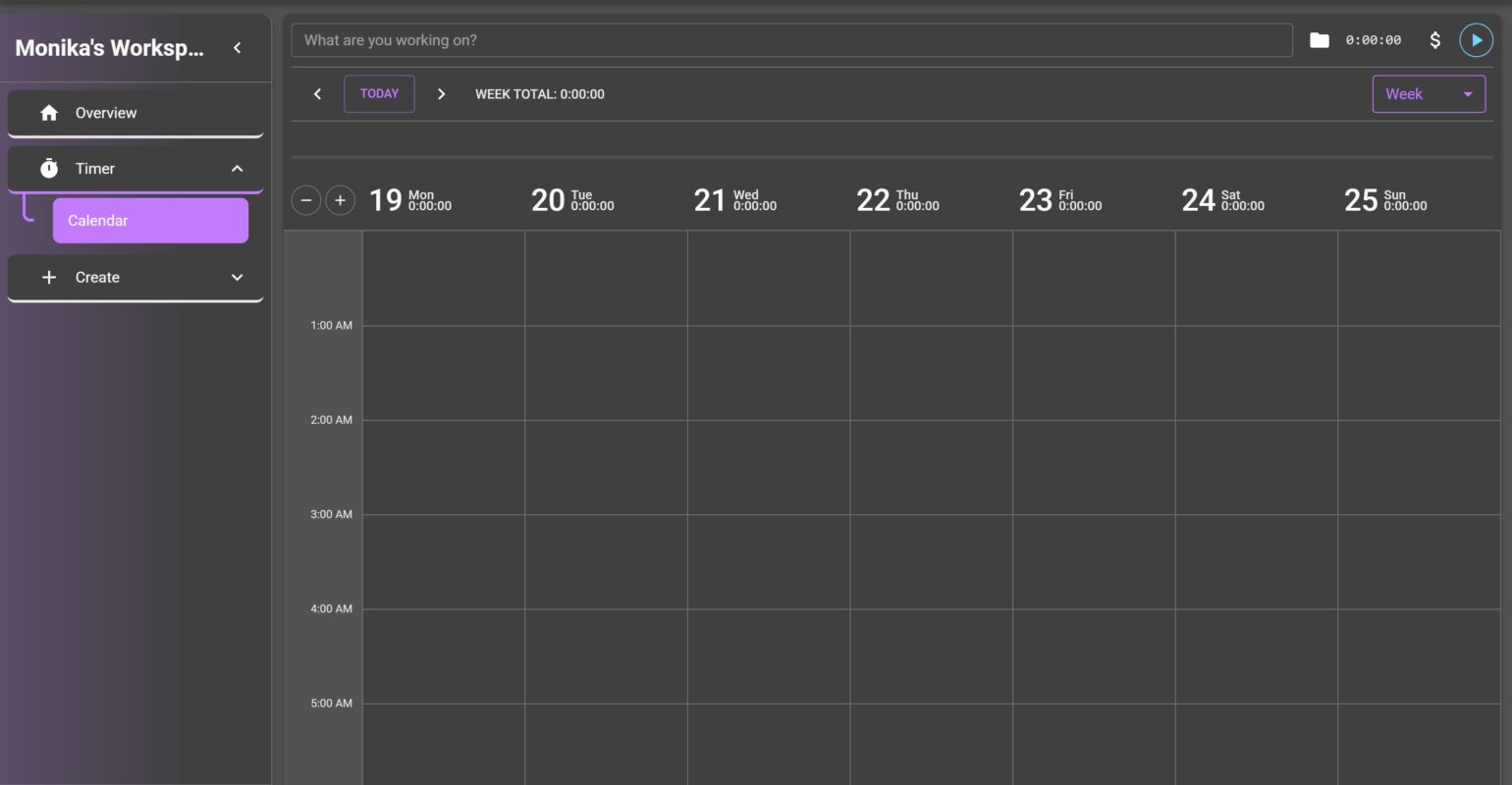
At the start of the project, I had a clear plan on how to start and keep up the progress for this project. Which can be seen in this picture:
Sadly, instead of starting with the backend and then the design with the website, I started developing the calendar components. This led to me having to refactor the calendar later on because the database in the backend was handling the types differently. After having a working prototype of the components, I was able to redesign these with a consistent design.
Additionally, the Figma course in the first semester helped immensely with building a consistent and visually pleasing design. The work on this project really improved my confidence in using Figma and putting it all together in React.
Furthermore, even though I would not say that I particularly enjoyed using React, I learned a great deal about its framework architecture and how to use the different hooks correctly. In addition, I was able to get a solid understanding of how to structure and reuse components, which significantly improved the readability and maintainability of my code.
Conclusion
In conclusion, the development of OnTime was challenging, but I learned a lot. A substantial amount of work went into implementing the calendar functionality, as many existing calendar components were either with not enough features or customizability for the project’s requirements or locked behind paywalls. Building custom solutions for these components needed careful planning, refactoring, and iteration.
Overall, the project was a very valuable experience in full-stack application development, UI design, and architectural decision-making. While OnTime already fulfills its core purpose, there are many possible future improvements, such as an offline mode, invoice generation, workspaces, and multi-user support. These additions would further enhance the application’s usability and scalability.

The comments are closed.